
There might be times when you want to post a recent hunt for everyone to see, or perhaps even a gear review of an item you totally love!
To get started, click the COMMUNITY FEED in the top header on the website.
Then you will click the orange CREATE A POST button.
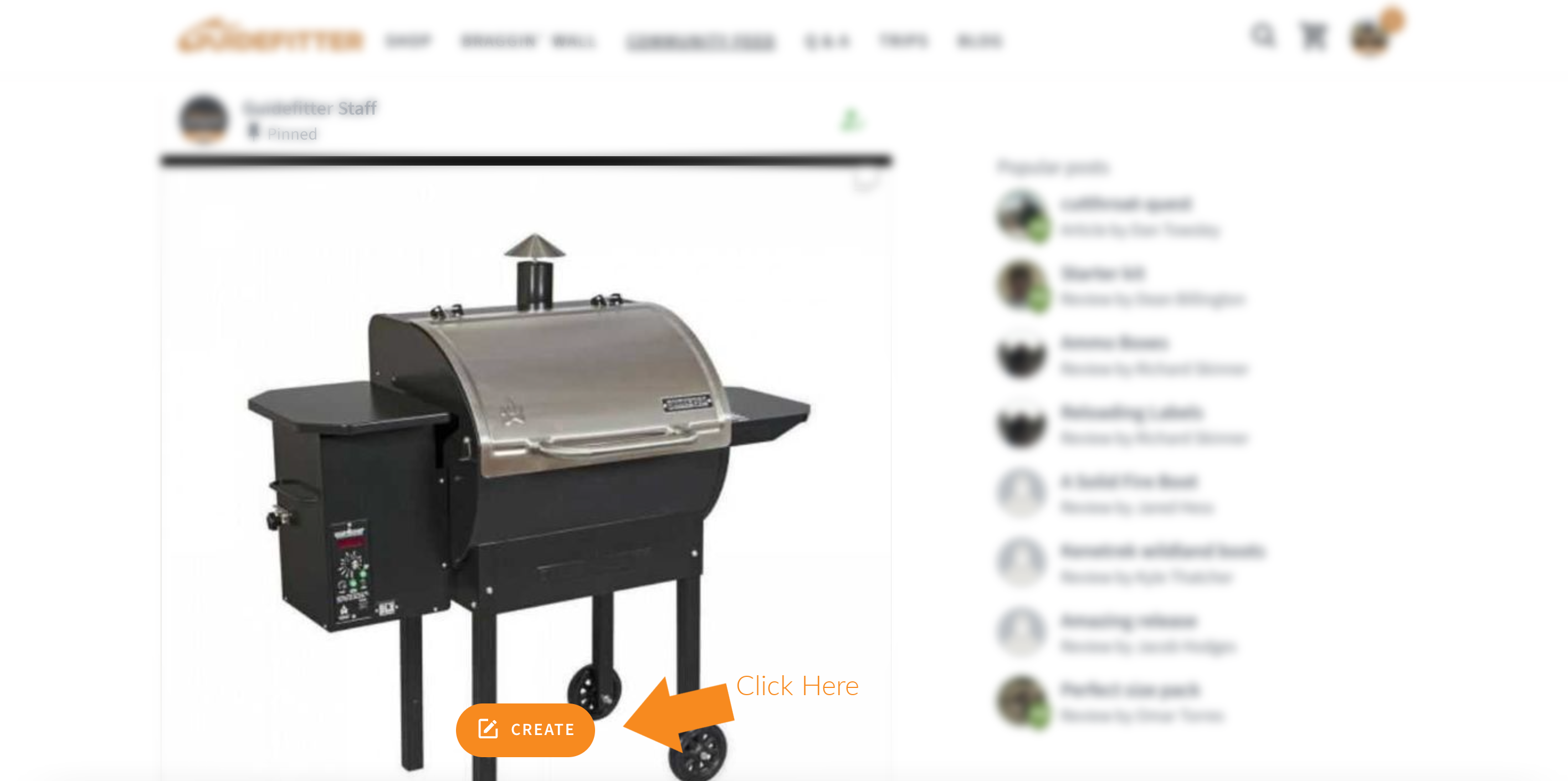
After you click the orange CREATE A POST button you will be able to add photos, Tag gear, and even share some words or a story if you want.

I wanted to add a photo, so I clicked the grey ADD PHOTOS button, and it brought me to my desktop, where I then selected which photo I wanted to share to the Community Feed. Click the image you want to add.

Once the photo was selected, I wanted to add some words to the post. Just click the "Type here" area and the cursor will be ready for you to type.

After you write something, or even if you choose not to, you can select CREATE A POST to finish it up.
You might even want to tag gear in the post that you might have just bought, and you can do that too if you like.
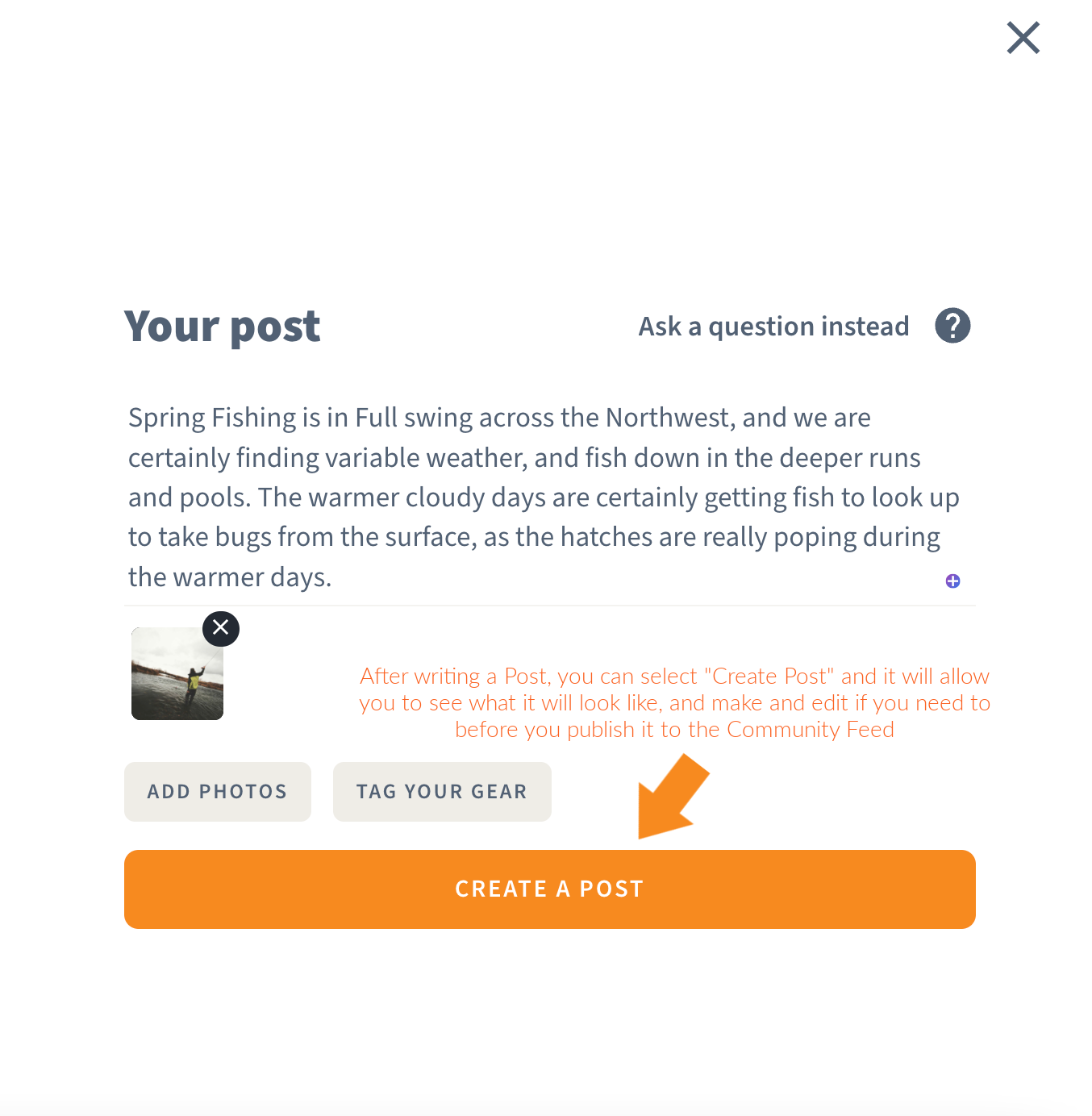
Once selected CREATE A POST, it then allows us to look it over, make changes, and even add hashtags if we want the post to reach more people based on the hashtag's search. Then click PUBLISH when you are all done, and it will upload to the Community Feed!

And Boom! there is your post in the Community Feed, be it a story, a gear review, or perhaps a question on a certain product you are considering.
If you have any questions, please do not hesitate to reach out to us directly at support@guidefitter.com
**As always, please keep the posts clean, and free of profanity, as we do have many people on this platform, be it potential clients & customers, or Brand Partners that are offering the discounts to you.
Keep the Posts Professional at all times, and just have fun :)

Comments
0 comments
Article is closed for comments.